Smart collection

Review pages that convert

Create personalized review pages with intelligent filtering to collect only the best reviews.

Create my pageRequest a demo
How was your visit?
★★★★★
Leave a review on Google
Smart filtering enabled
83%

of US consumers who were asked for a review this year went on to leave one.

BrightLocal, Local Consumer Review Survey 2026

Your negative reviews hurt your image

01

Unhappy customers leave public reviews without warning you

02

You have no control over what gets published

03

Generic collection links don't filter anything

04

Creating a professional page requires technical skills

Filter your reviews intelligently

Review pages that direct satisfied customers to review platforms and capture negative feedback privately.

Intelligent filtering

Automatically redirect customers based on their satisfaction to the appropriate action.

Customizable design

Adapt colors, logo and style to match your brand guidelines.

Built-in QR codes

Generate QR codes to collect reviews on-site in your store.

Custom short links

Share memorable links like reviews.your-business.com.

100% responsive

Your pages adapt perfectly to all mobile devices.

Multi-location

Create a different page for each location.

How was your experience?

Your feedback helps us improve

How was your visit?
★★★★★
Leave a review on Google
Smart filtering

How a review page works

Your customer's journey

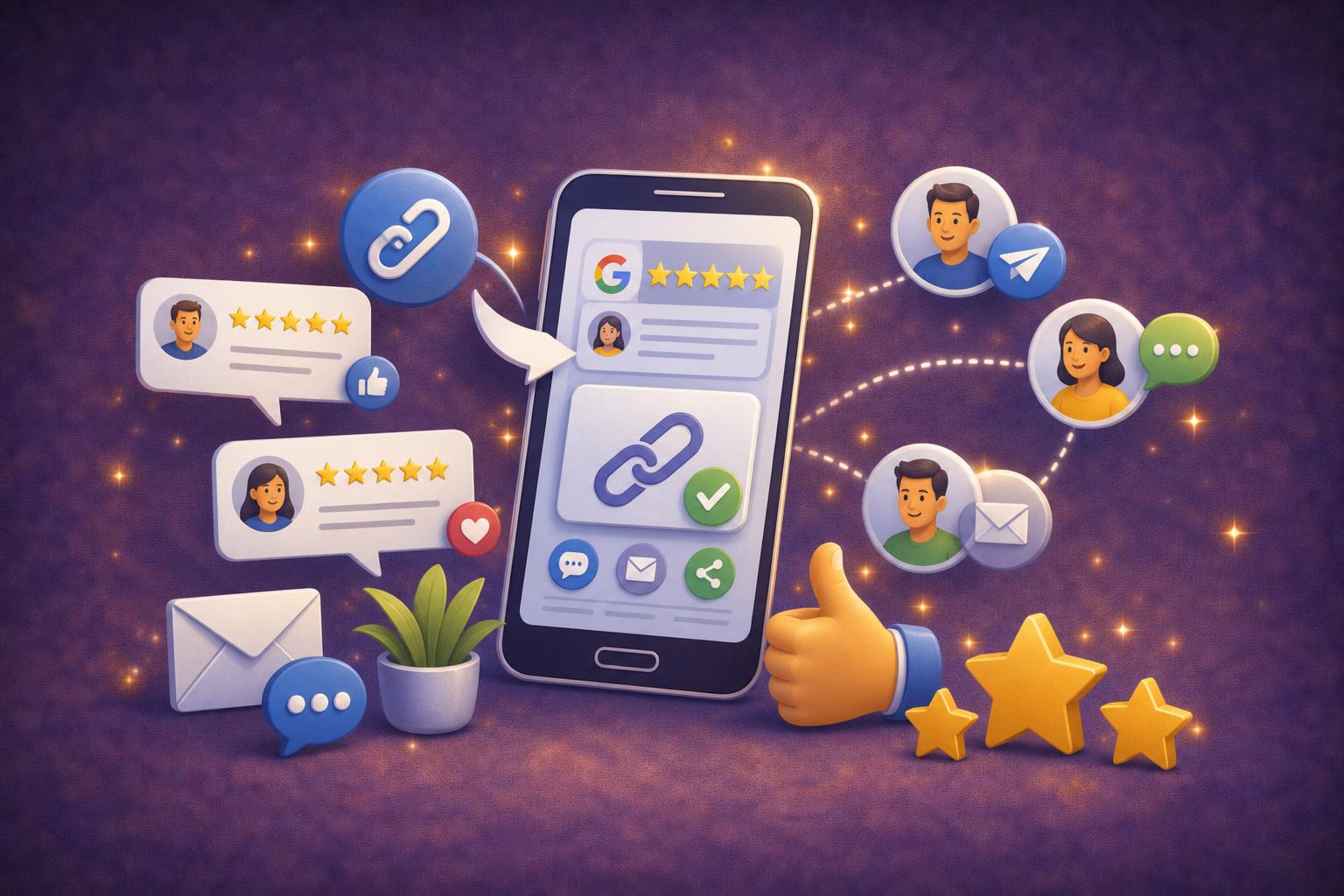
Your customer reaches the page from a QR code, an email or a text message. They see your logo and a simple question with two answers: thumbs up or thumbs down. If they were happy, they are taken straight to the Google review form for your location, without having to search for your listing. If they weren't, a short form opens so they can tell you what went wrong. The whole thing takes a few seconds on a phone. Asking makes a difference: according to BrightLocal (2025), 96% of consumers are willing to leave a review, yet only 29% did so in the past year. Most of them simply need to be asked at the right moment.

Private feedback

The form asks for a rating from 1 to 5 stars and a comment. Name and email address are optional, and already filled in when the customer comes from a campaign. This feedback lands in your review list, marked as private: it is never published. A notification goes to the admin and to the people who have access to the location concerned, and you can turn it off page by page. It gives you a chance to get back in touch with a disappointed customer, understand a problem that keeps coming up, or fix a detail before it happens again. Often a quick, personal reply is enough to win back a customer you would otherwise have lost without knowing why.

What you customize and what you measure

Each page uses your logo, or your website's icon if you don't have one, and your colors: background, card, text, buttons and font. You can rewrite the question, the buttons and the messages, in several languages if your customers come from abroad. A page is created automatically for every location you add, and you can switch it off at any time. On the tracking side, every visit is recorded with its source (QR code, email, SMS, social media, search), along with the number of thumbs up and thumbs down. You can see which channel works best, and put your effort where your customers actually respond, whether that is a QR code on the table or a text after the visit.

How does it work?

3 steps to create your review page.

  1. 1

    Create your page

    Customize the design, add your logo and choose your colors.

  2. 2

    Configure filtering

    Set the rating threshold to redirect to review platforms or the private form.

  3. 3

    Share and collect

    Share the link or QR code and watch positive reviews flow in.

Everything to maximize your positive reviews

Configurable rating filter (3, 4 or 5 stars)
High-resolution QR code generation
Complete design customization
Memorable short links
100% mobile responsive pages
Multi-language support
Real-time conversion statistics
Secure negative feedback capture

Frequently asked questions

A web page dedicated to one location, where your customers say whether they were satisfied. Happy customers are sent to your Google listing to leave a review, and the others can write to you privately.

No, it's automatic: a page is created as soon as you add a location, including during a bulk import. You can then customize it, or create additional pages if you need them.

A form opens: they give a rating from 1 to 5 and explain what went wrong. This feedback reaches you privately, in your dashboard, and is not published.

The admin and the team members who have access to the location concerned get a notification in the dashboard. You can turn these notifications off for each page.

In the default language you choose. You can add translations of the question, the buttons and the messages to welcome customers from other countries.

Through a QR code displayed in store or on the table, a link in an email campaign, or a text message with a short link that saves characters. You can also copy the page address.

Yes. Every visit is recorded with its source: QR code, email, SMS, social media, search or direct access. You also see the number of thumbs up and thumbs down.

No. The page opens directly in the phone's browser. To post their review on Google, they simply use their usual Google account.

No, they are optional. When the customer comes from an email or SMS campaign, they are already filled in, so you can easily get back in touch.

As soon as possible after the visit, while the memory is fresh. A restaurant offers it at the end of the meal with a QR code on the table, a hair salon by text message within the hour after the appointment.

Related features

Review CollectionAutomate your review requestsOn-site CollectionQR code & NFC — a review in 10 secondsReply & auto-replyReply with AI or your predefined templates

From the blog

Google reviews: the complete guide for businesses and customersWhether you want to leave a review on Google or manage your business reputation, this complete guide covers everything — from posting your first review to automating responses at scale.Read the articleFeatured image for: How to review a business on Google and why it mattersHow to review a business on Google and why it mattersWondering how to review a business on Google? This friendly guide walks you through every step — from posting your first review to editing it later — and explains why reviews are a game-changer for local businesses.Read the articleFeatured image for: How to ask for a Google review without being pushyHow to ask for a Google review without being pushyAsking for Google reviews doesn't have to feel awkward. Discover friendly, effective strategies to collect more reviews without pressuring your customers.Read the articleFeatured image for: Buying Google reviews: why it's a bad idea and what to do insteadBuying Google reviews: why it's a bad idea and what to do insteadTempted to buy Google reviews to boost your rating quickly? Before you do, find out why fake reviews can seriously damage your business — and what to do instead to build a solid, lasting online reputation.Read the articleFeatured image for: How to get and share your Google review link with customersHow to get and share your Google review link with customersGetting more Google reviews starts with one simple thing: a direct review link. Learn how to find yours, share it effectively, and use QR codes to make the process seamless for your customers.Read the article

Try Reputacion free for 30 days

Try for freeNo credit card required
Book a demo